Poster Design Principles: The Core Rules Behind Posters That Work
Xin Liu · Founder & Design Service Advisor
Xin helps business owners navigate the freelance design marketplace. He researches platforms, compares services, and publishes practical guides to help you make confident hiring decisions.
You don’t need a design degree to make a poster, but you do need to know a handful of rules about how the eye moves. Poster design principles are not a checklist of what looks nice. They are the mechanical laws behind why some posters get stopped and read, and others get walked past.
This guide covers the seven principles that hold up a working poster composition and how to use each one. It closes with what it costs to hire a designer who already knows them, against the 31-gig logo and 11-gig poster pricing baseline we’ve been tracking.
The 7 Poster Design Principles, in Order of Impact
- Visual hierarchy: what the eye sees first, second, and last
- Contrast: how differences make elements pop or recede
- Proximity: grouping information by how far apart it sits
- Alignment: giving every element a visible anchor
- Repetition: making the design feel intentional
- White space: using emptiness as a tool instead of a waste
- The grid: keeping everything on a structured plane
Each one gets its own section below.
Visual Hierarchy, the First Principle
Hierarchy is the ordering of importance. A poster with three equal-weight elements has no hierarchy. Without one, the viewer’s eye bounces, finds no entry point, and stops looking.
In practice you build hierarchy with four levers: size, weight, color, and position. The headline gets the biggest, boldest treatment. The event details get medium. The fine print gets the smallest and lightest.
| Element | Role | Typical treatment |
|---|---|---|
| Headline or artist | The hook | Largest, boldest, highest contrast |
| Core message | What it is about | Medium weight, readable at distance |
| Date, time, venue, CTA | The action | Smallest, but still legible at a glance |

You can’t have three things all shouting at the same volume. That is the most common poster failure we see, and it is the principle every other rule is in service of.
Contrast, How Differences Create Attention
Contrast is not just about dark versus light. It is any meaningful difference: size, weight, color, and even texture. A headline only slightly bigger than the body does not read as a headline, because the difference is too small to register at distance.
Strong contrast comes in a few useful forms:
- Scale, a large headline against small supporting text
- Weight, bold display type next to light, quiet body copy
- Color, a bright accent on a dark ground, or black on white for maximum legibility
- Value, a dark shape on a light field, or the reverse
For posters that live at a physical distance, contrast is what makes the message readable before anyone walks close enough to read the fine print. A poster that needs you to lean in has already lost the three seconds.
Proximity, Grouping Without Lines
People read nearby things as related. You do not need a box around “date, time, venue” to make them feel like one unit. Putting them close together does the same work.
This is the fastest way to organize a poster without making it look busy:
- Group the event details into one tight block
- Pull the brand name toward the logo
- Leave generous space between the headline and the details so the eye reads them in two beats, not one
The rule is simple: space between things says “these are separate,” and space within a group says “these belong together.” Master proximity and the layout explains itself.
Alignment, Give Every Element an Anchor
Nothing should sit at random. Every text block, image, and mark needs a consistent left, right, center, or edge to line up against. An unanchored element reads as accidental, and accidental elements make a whole poster feel like a mistake.
Two things matter:
- Pick one alignment per zone. Left-align body copy, and center the headline if the design is symmetrical. Do not mix them on the same column, because mixing pulls the eye in two directions at once.
- Invisible edges matter. Even when two elements do not share a visible line, the human eye still checks for one. A ragged left edge that wobbles between lines is a common quiet mistake.
Alignment is the principle that makes a poster look finished, because finished work has a logic you can trace element to element.
Repetition, Making It Feel Intentional
Repetition means using the same element more than once: the same typeface, the same color accent, the same icon style, the same spacing rhythm. When an element repeats, it stops feeling random and starts feeling part of a system.
A poster that uses one display face for the headline and one text face for the body feels composed. One that reaches for three or four faces feels like a collage of someone else’s decisions.
Repetition is how you make a single poster feel like a complete, deliberate piece, and it is the same reason brand consistency works. It is also the principle behind the poster self-check scorecard, which grades a finished poster out of 24 partly on whether its elements repeat with intent.
White Space, Emptiness Is a Tool
White space is the area around and between elements, and it is active, not wasted. It gives the headline room to be the headline. It separates the headline from the details so the eye reads them in order. It tells the viewer where one thing ends and the next begins.
Two practical tests:
- If a poster feels crowded, the first fix is almost always to remove something, not to rearrange it. White space is created by subtraction.
- If a poster feels empty, the problem is usually that the one element is small. Scale it up rather than adding more, because adding more defeats the point.
The common amateur instinct is to fill every inch. Professional compositions resist that, because emptiness is what makes the important things important.
The Grid, Structure Under the Layout
A grid is an invisible system of columns and rows that keeps everything aligned to the same structure. It is the reason a poster with a dozen elements still feels orderly.
You do not need to draw a grid to use one. The idea is that horizontal and vertical lines run through the design, and every element sits on or between those lines. A rough grid is enough: pick a margin, set up three or four columns, and let the headline, the details, and the call to action each occupy their own area.
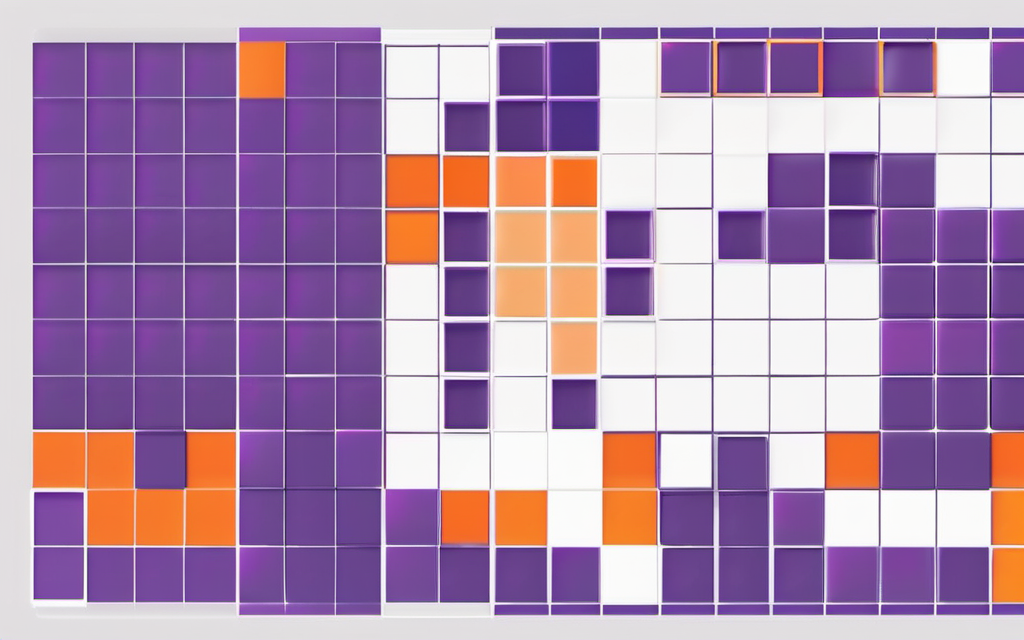
The payoff is that the layout stays balanced even when you change the content. Swap the headline text and the composition still holds, because the structure, not the words, is doing the work. For print, this is where the difference between a digital and a print-ready poster matters most, because a grid set up with bleed and margins survives the printer.
How These Principles Show Up in Real Fiverr Posters
The 11 top-rated poster gigs we track use these principles in two distinct price clusters. The everyday flyer and event cluster ($14 to $45 entry) tends to be strong on hierarchy and contrast but light on grid and white space, because the job is to communicate one message fast. The professional film and campaign cluster ($98 to $130 entry, $125 to $211 mid) invests more in alignment, repetition, and the grid, because a campaign poster has to hold up across sizes and formats.
What you pay for is not just a picture. It is how deliberately these seven principles were applied, which is why the mid tier is usually the best value for a business that wants a poster that looks professional, not just printed.
The One-Sentence Version
If you remember only one thing: make one element obviously more important than the rest, and let everything else be quieter. That is hierarchy, and it is the principle all the others are in service of.
This article contains affiliate links; we may earn a commission at no extra cost to you. Full disclosure.
Looking to hire a designer who applies these principles on a real brief? Browse top-rated poster designers on Fiverr. For most small businesses, the $45 to $110 Standard tier with print-ready files and source files is the sweet spot.
Prices here are a September 2026 baseline. Fiverr tier prices and service fees shift over time, including around seasonal promotions, so treat these figures as a reference point and confirm the current total on the Fiverr listing before you order. Last updated: September 2026. Pricing baseline from 11 top-rated Fiverr poster gigs (Level 2 / Top Rated, 600+ reviews each) scraped September 2026. All prices fees-inclusive; Fiverr’s buyer service fee applies at checkout, check Fiverr for the current amount. Affiliate links support our free guides at no extra cost to you.
Related Resources
Poster Design Cluster:
- Poster Design Tips — 7 actionable tips and the 5-industry matrix
- Poster Design Cost Guide — What 11 top-rated gigs actually charge in 2026
- Event Poster Design Guide — Step-by-step for events
- Print vs. Digital Poster Design — Format differences
- Poster Self-Check Scorecard — Printable 12-point scorecard
Logo Design Cluster (Shared Principles):
- What Makes a Good Logo — Visual hierarchy applies to logos too
- How to Brief a Designer — Scope the principles before you order
Services:
- Poster Design on Fiverr — Event, promo & brand posters, transparent pricing
This article contains affiliate links. We may earn a commission at no extra cost to you.
Get It Designed
Poster Design
Event posters, promotional materials, brand campaigns — get stunning poster designs from experienced freelance designers. Real 2026 pricing from 11 tracked Fiverr gigs, deliverable differences by tier, and what to check before you order.
Find Poster Designers on Fiverr*Affiliate links — we may earn a commission